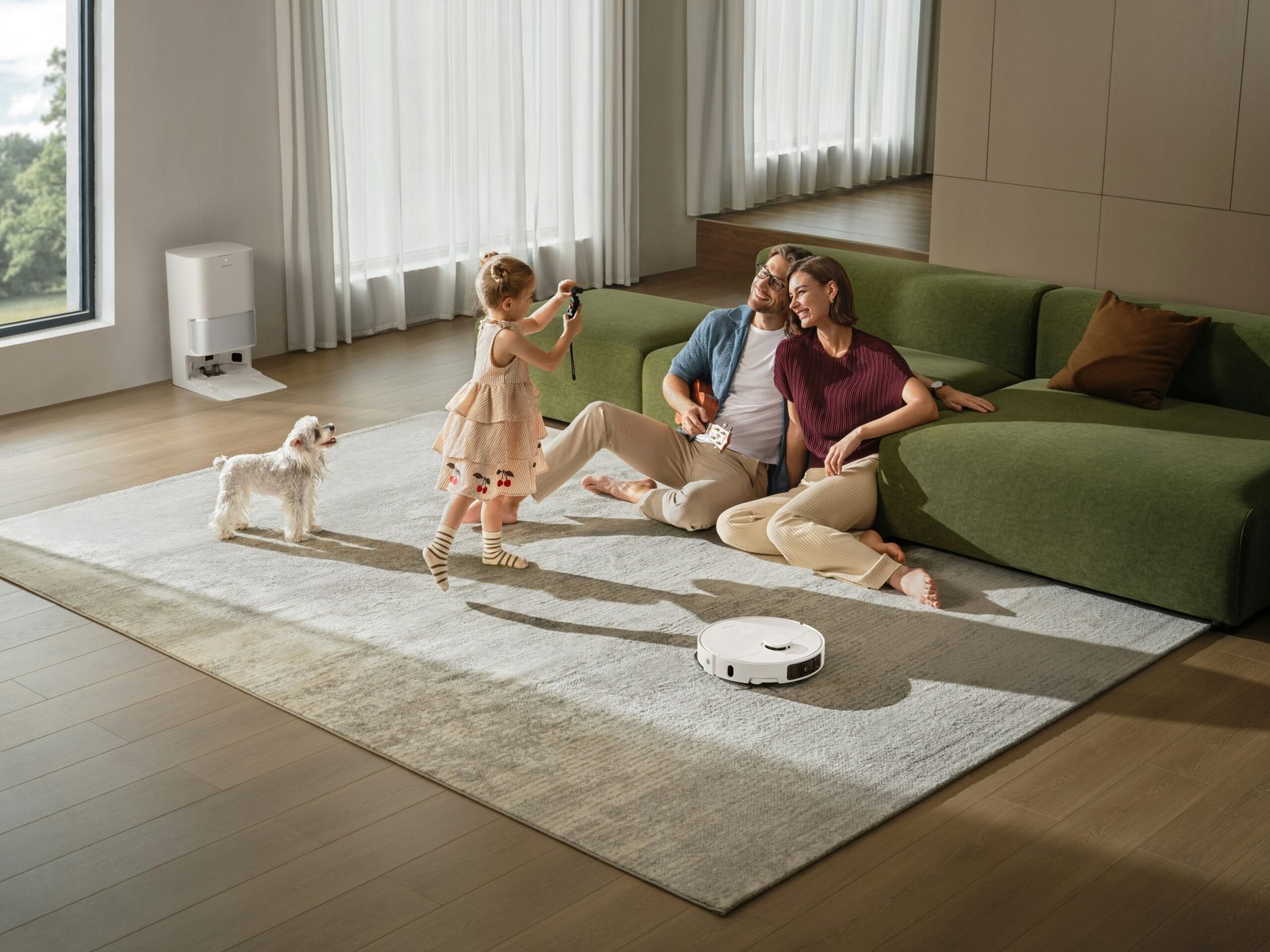
Remember when smart homes seemed like science fiction? Just a decade ago, controlling your lights with your voice or checking your front door camera from work felt like something from a futuristic movie. Today, smart home technology is not only accessible—it’s becoming essential for modern living.
Whether you’re a renter in a small apartment or a homeowner looking to upgrade, building a smart home can feel overwhelming. With thousands of devices, multiple platforms, and confusing technical terms, even motivated beginners can feel paralyzed before they start.
Here’s the good news: You don’t need to buy everything at once, spend thousands of dollars, or become a tech expert overnight. The secret to a successful smart home is understanding the fundamentals first, then building intentionally—one device, one room at a time.
This complete beginner’s guide will walk you through everything you need to know, from choosing your ecosystem to setting up your first automations. By the end, you’ll have a clear roadmap to create a home that’s more convenient, secure, and efficient—without the overwhelm.

Section 1: What Is a Smart Home?
At its simplest, a smart home is any living space where devices connect to the internet and can be controlled remotely or automatically. But that definition barely scratches the surface.
A truly smart home doesn’t just respond to commands—it anticipates your needs. It learns your routines, adapts to your preferences, and handles repetitive tasks so you don’t have to think about them.
Three core concepts define smart homes:
| Concept | What It Means | Real-World Example |
|---|---|---|
| Connectivity | Devices talk to each other and to you | Your phone connects to your thermostat |
| Control | You can manage devices remotely | Turn off lights from work using an app |
| Automation | Devices act automatically based on rules | Lights turn on when you arrive home |
The Ecosystem Foundation
Think of your smart home ecosystem as its operating system. Just as your computer runs on Windows, macOS, or Linux, your smart home will run on one of three major platforms. This choice determines which devices you can buy and how seamlessly they work together.
The Three Main Platforms Explained
Apple HomeKit
If your household uses iPhones, iPads, and Macs, HomeKit offers the tightest privacy integration. All communication happens locally on your devices rather than uploading to the cloud. Siri controls your devices, and everything appears in the native Apple Home app. The trade-off? Fewer compatible devices compared to other platforms, though the list grows yearly with Matter support.
Google Home
Built for Android users and anyone who relies on Google services. Google Assistant understands natural language exceptionally well—you can say “it’s too dark in here” and it will adjust lights accordingly. The Google Home app provides a unified dashboard, and compatibility is broad across mid-range and premium devices.
Amazon Alexa
The most universally compatible platform. Alexa works with thousands of devices from hundreds of brands, including many budget-friendly options. The Alexa app offers extensive routines and customization. If you want maximum choice and don’t mind occasional complexity, this platform delivers.
The Matter Standard Changes Everything
A new standard called Matter launched recently and is transforming smart home compatibility. When you see the Matter logo on a box, it means that device will work with Apple, Google, and Amazon simultaneously—regardless of which ecosystem you choose.
Look for the Matter logo when shopping. It’s the closest thing to a guarantee that your purchase will work with your setup now and in the future.
Your Strategy: Open your phone. Look at the apps you use daily. If you’re an iPhone family, start with HomeKit. If you live in Gmail and Google Calendar, choose Google Home. If you want the widest device selection possible, Alexa is your answer.

Section 2: Where to Start – Smart Lighting
Smart lighting offers the most noticeable transformation for the least effort. Walking into a room that gently illuminates as you enter never gets old. More importantly, it teaches you how automation works before you invest in expensive systems.
Understanding Your Options
| Option | Best For | What You Should Know |
|---|---|---|
| Smart Bulbs | Lamps, accent lighting, renters | You replace existing bulbs. Offer color changes and dimming. Light won’t work if someone turns off the physical wall switch. |
| Smart Switches | Ceiling lights, permanent fixtures | You replace the wall switch itself. Existing bulbs stay. Light always works. Requires basic wiring comfort. |
| Smart Plugs | Lamps, fans, coffee makers | Plug devices into these, then into wall. Cheapest entry point. Great for making “dumb” devices slightly smarter. |
Where Most Beginners Succeed
Start with one room you use daily—typically the living room or bedroom. Install smart bulbs in three lamps or a smart switch for the overhead light. Live with them for one week. You’ll discover which features matter to you—scheduling, voice control, motion activation—before scaling to other rooms.
Pro Tip: Pay attention to color temperature. Some bulbs let you shift from cool blue light (good for mornings) to warm amber light (better for evenings). This simple feature—called “tunable white”—improves sleep quality more than colorful effects ever will.
Section 3: Add Essential Security
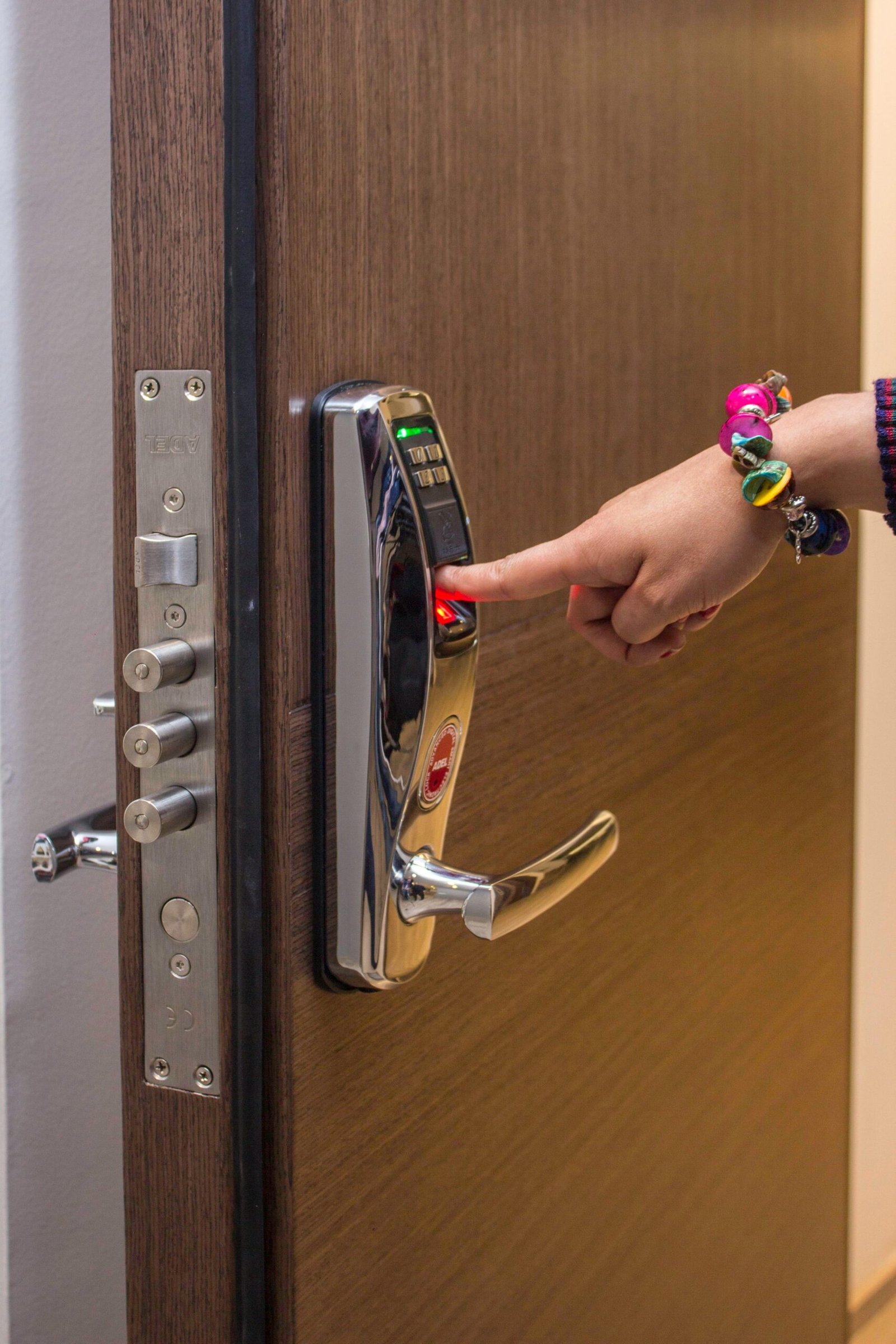
Home security technology has evolved from complex alarm panels to simple, self-installed sensors that notify your phone instantly. The goal isn’t just deterring intruders—it’s peace of mind when you’re away.
The Modern Security Trio
Video Doorbells
A camera built into your doorbell lets you see who’s at your door from anywhere. Package deliveries are confirmed. Visitors can leave messages if you’re unavailable. Most models store footage in the cloud for later review, though some offer local storage options for privacy-conscious users.
Smart Locks
Replace physical keys with keypad codes or smartphone access. The real advantage? Temporary codes for dog walkers or guests that expire automatically. You’ll never hide a spare key under the mat again.
Entry Sensors
Small magnetic sensors attach to doors and windows. When the door opens, you receive an alert. Combined with automation, they can trigger lights to turn on when you arrive home after dark.
Privacy Considerations
Security devices collect data about your comings and goings. Before installing any camera or sensor, understand where footage is stored and who can access it. Look for devices offering end-to-end encryption and consider whether you want cloud storage or local recording. Devices with the Matter standard often offer better local control options.
Section 4: Optimize Energy with Smart Thermostats
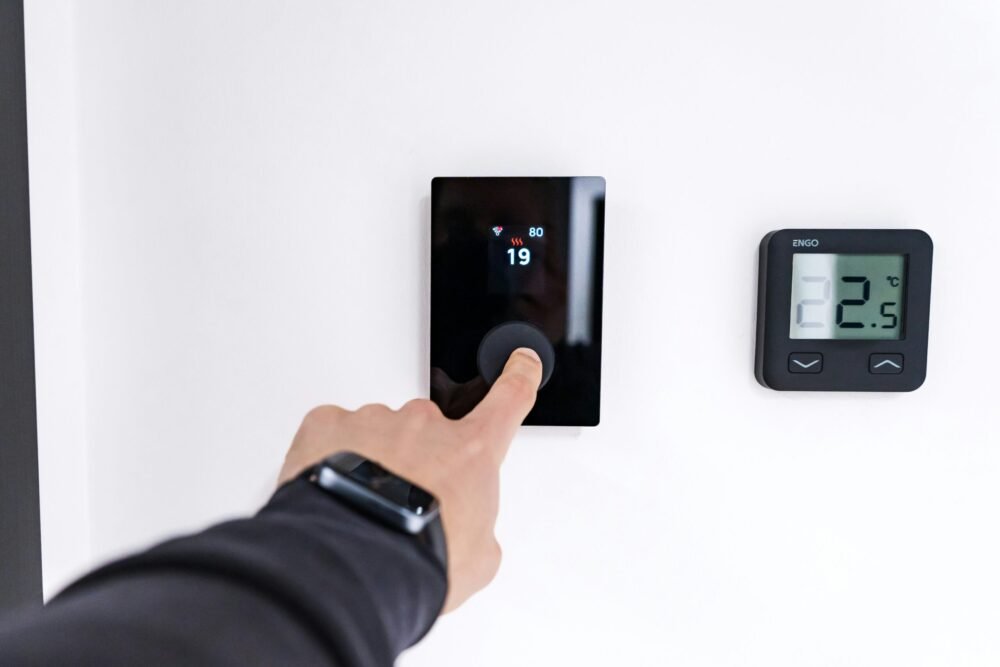
Heating and cooling represent the largest energy expense in most homes. Smart thermostats learn from your behavior and adjust temperatures automatically—saving money while keeping you comfortable.
How They Learn
During the first week, you adjust temperatures manually. The thermostat notes when you’re home, when you sleep, and when you leave. After this learning period, it creates a schedule that matches your patterns. The furnace runs less when you’re at work. The air conditioner eases up overnight.
Room Sensors Change Everything
Basic smart thermostats measure temperature only where they’re installed—usually a hallway. Advanced systems use small wireless sensors placed in bedrooms and living areas. The system then heats or cools based on the rooms you’re actually using.
Example Scenario: Your bedroom sensor detects no movement at 2 PM while you’re working in the home office. The system directs conditioned air to your office instead, wasting less energy on empty spaces.
The Energy Savings Reality
Studies consistently show smart thermostats reduce heating and cooling costs by 10-15% on average. For a typical home, this pays back the device cost within two years. After that, it’s pure savings.

Section 5: Create Smart Routines and Automations
A truly smart home requires minimal phone interaction. The magic happens when devices work together automatically based on time, location, or events.
Three Essential Routines to Build
Good Morning (Trigger: Sunrise + Weekdays)
Slowly brighten bedroom lights over 15 minutes, simulating sunrise. Have the thermostat raise temperature for waking hours. Optionally, hear the day’s weather forecast and calendar events from your smart speaker.
Away Mode (Trigger: All phones leave home)
Verify doors are locked. Lower thermostat to energy-saving temperature. Turn off all lights. Optionally, have lights simulate occupancy at night for security.
Good Night (Trigger: Voice command or single tap)
Confirm all doors locked. Turn off all interior lights. Set thermostat to sleep temperature. Silence phone notifications except for security alerts.
Understanding Triggers
| Trigger Type | Examples |
|---|---|
| Time-based | Happen at specific hours (sunset, bedtime) |
| Location-based | Trigger when someone arrives or leaves (geofencing) |
| Sensor-based | Motion detected, door opens, temperature changes |
| Device-based | One device’s action triggers another (door unlock triggers lights) |
Start with one simple automation. Master it. Then add another. Over-automating too quickly creates confusion rather than convenience.

Section 6: Common Beginner Pitfalls to Avoid
Drawing from hundreds of smart home setups, these mistakes appear most frequently:
1. Buying Without Compatibility Checking
Always verify a device works with your chosen ecosystem before purchasing. “Works with Alexa” doesn’t guarantee Google Home compatibility. Look for explicit logos on packaging and check for Matter certification.
2. Ignoring Your Wi-Fi Network
Standard routers handle about 20-30 devices before slowing down. A smart home with bulbs, plugs, sensors, and cameras easily reaches this limit. If your Wi-Fi feels sluggish, consider a mesh system designed for many connected devices.
3. Choosing Brands That Require Separate Apps
Ideally, all devices appear in your main ecosystem app (Apple Home, Google Home, or Alexa). Avoid devices that force you to use their own app for basic functions—you’ll end up with 12 apps on your phone and confusion about which controls what.
4. Rushing to Fill Every Room
Start with one room. Perfect it. Live with it for two weeks. You’ll discover what you actually use versus what seemed cool in theory. Then expand intentionally.
5. Forgetting About Guests and Family
If others live with you, involve them early. Test voice commands with their accents. Ensure physical controls (switches, keypads) remain accessible for visitors who won’t use your phone. A smart home that confuses guests isn’t smart—it’s frustrating.
Section 7: Your Smart Home Starter Checklist
Before buying anything, complete this checklist:
| ☐ | Question | Why It Matters |
|---|---|---|
| ☐ | Which ecosystem matches my current phone/tablet use? | This is your foundation—get it right first |
| ☐ | What’s the one room I want to automate first? | Start small, learn the ropes |
| ☐ | Which repetitive task annoys me daily? | Your best automation candidate |
| ☐ | Have I checked my Wi-Fi capability for 20+ devices? | Avoid connectivity headaches |
| ☐ | Do I understand where my data goes with each device? | Privacy matters—know before you buy |
Section 8: Smart Home Glossary
| Term | Simple Definition |
|---|---|
| Automation | Devices that act automatically based on triggers (time, location, events) |
| Routine | A sequence of actions triggered by one command (“Good night” locks doors, turns off lights) |
| Scene | A preset mood or configuration (“Movie night” dims lights, closes blinds) |
| Geofencing | Actions triggered when you leave or arrive home based on phone location |
| Hub | Central device that connects different protocols (Zigbee, Z-Wave) to your network |
| Ecosystem | The platform that ties everything together (Alexa, Google Home, Apple HomeKit) |
| Matter | Universal standard ensuring devices work across all major platforms |
| Zigbee | Low-power mesh protocol used by many smart sensors and bulbs |
| Z-Wave | Reliable mesh protocol commonly used for security devices |
| Bridge | Similar to a hub, but often brand-specific (Philips Hue Bridge) |
Section 9: Frequently Asked Questions
Q: Do I need to be tech-savvy to build a smart home?
A: Not at all! Modern smart devices are designed for everyone. Apps guide you through setup with step-by-step instructions. Most devices work right out of the box—just plug in, download the app, and follow the prompts.
Q: Is a smart home expensive?
A: You can start for under $100 with a smart speaker and a couple of smart plugs. Expand gradually as your budget allows. Many devices pay for themselves over time through energy savings.
Q: Will smart devices work if the internet goes down?
A: Many devices still work locally—lights you can still turn on with a switch, locks still lock and unlock. However, remote access and voice control may be limited. Some hubs provide backup functionality.
Q: Can I mix different brands?
A: Yes, if they support the same ecosystem or use Matter. Always check compatibility before buying. Sticking to one ecosystem makes setup simpler, but Matter devices work with everything.
Q: How do I secure my smart home?
A: Use strong, unique passwords for each device account. Enable two-factor authentication when available. Keep devices updated. Consider a separate Wi-Fi network for IoT devices. Look for devices with end-to-end encryption.
Q: How many devices can my Wi-Fi handle?
A: Standard routers handle about 20-30 devices. Smart homes often exceed this. If you plan to have many devices, invest in a mesh Wi-Fi system designed for high device counts.
Section 10: Your 6-Month Smart Home Roadmap
Month 1: Foundation
- Choose your ecosystem (Alexa, Google, or Apple)
- Buy one smart speaker
- Add 2-3 smart plugs for lamps
Month 2: Lighting
- Add smart bulbs in your most-used room
- Create simple schedules
Month 3: Security
- Install video doorbell
- Add contact sensors to main entry doors
Month 4: Climate
- Install smart thermostat
- Set up energy-saving routines
Month 5: Expansion
- Add smart lock
- Create “Away” and “Good Night” routines
Month 6: Refine
- Review what you use most
- Expand to additional rooms
- Add sensors for fine-tuned automation
Section 11: Conclusion & Next Steps
The connected home journey isn’t about owning the most devices. It’s about creating a living space that responds to you quietly and competently—like a thoughtful housemate who anticipates needs without being asked.
Start with the ecosystem that matches your digital life. Master one room. Solve one problem at a time. The home you build will feel less like a technology demonstration and more like an extension of yourself.
Ready to dive deeper? Explore our detailed guides:
- How to Build Your First Smart Home: The Essential Beginner’s Guide – A practical step-by-step walkthrough
- Smart Home Security for Beginners – Protect your home and family
- How Smart Home Technology Saves Money and the Planet – Energy efficiency explained
Affiliate Disclosure
Some links on this page are affiliate links. If you purchase through these links, we may earn a small commission at no extra cost to you. This helps support our website and allows us to continue providing valuable content. Thank you for your support!
Learn more about our affiliate policy