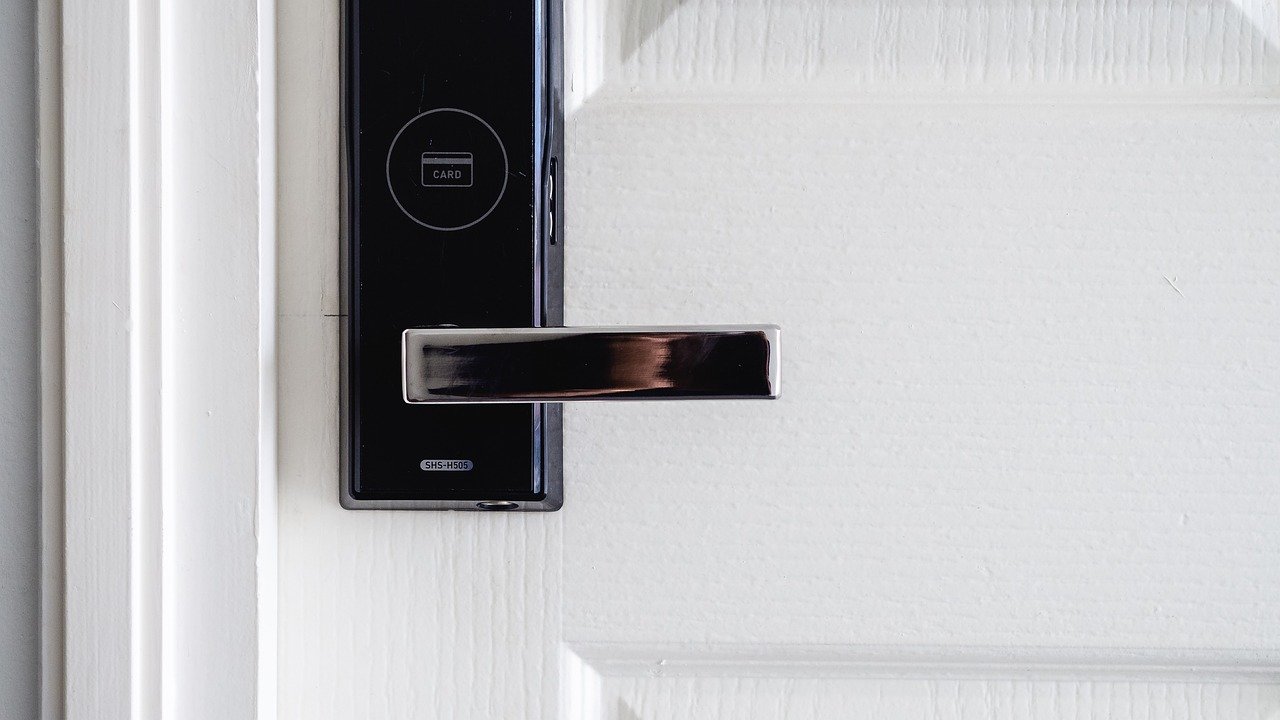
Remember hiding a spare key under the doormat? Or the panic of realizing you’re locked out? Keyless entry systems replace traditional metal keys with codes, smartphones, or even your fingerprint—eliminating those worries while giving you unprecedented control over who enters your home and when.
This guide explains everything you need to know about smart locks, from how they work to which type might fit your life best.
New to smart homes? Start with our Ultimate Guide for Beginners to understand the basics before choosing your smart lock.
Quick Summary: Your Keyless Entry Decision Maker
| If you want… | Best Choice | Why |
|---|---|---|
| Simple, shareable access for family | Keypad/PIN Lock | Everyone gets a code, easily changed |
| Remote control from anywhere | Wi-Fi Smart Lock | Lock/unlock, check status via app |
| Maximum security, no codes to remember | Biometric Lock | Uses fingerprint or facial recognition |
| Easy retrofitting for rentals | Retrofit Smart Lock | Fits over existing deadbolt, no wiring |
| Hands-free entry for kids/arms full | Bluetooth Auto-Unlock | Unlocks when your phone approaches |
Not sure where to start? Jump to our decision flowchart or read the detailed breakdown below.
What Is Keyless Entry?
At its core, keyless entry refers to any door locking system that doesn’t use a traditional metal key. Instead of inserting and turning a key, you gain access through:
- A numeric code entered on a keypad
- Your smartphone using Bluetooth or Wi-Fi
- A fingerprint or your face using a biometric scanner
- A small key fob that communicates wirelessly
These systems are often part of a broader smart home ecosystem, allowing you to manage access remotely, receive alerts, and even integrate with other smart devices.
Types of Keyless Entry Systems
1. Keypad Locks (PIN Code Entry)
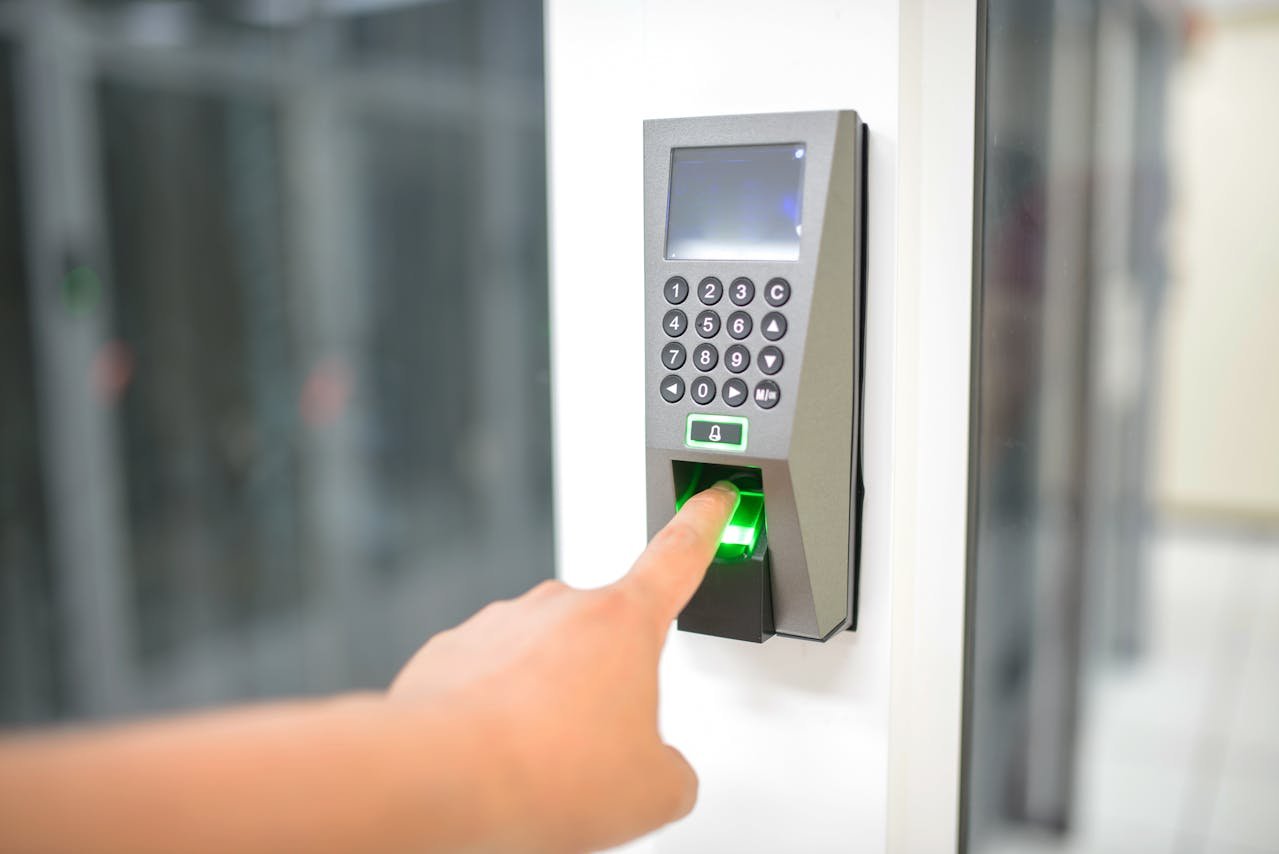
How They Work: You enter a numeric code on a built-in keypad. If the code matches, the lock opens.
Best For:
- Families who want to give different codes to different members
- Homes with frequent visitors (cleaners, dog walkers, guests)
- Anyone wanting a simple, reliable upgrade from keys
Pros:
- Easy to use: Everyone understands numbers
- Shareable: Give temporary codes that expire
- No phone needed: Works even if you forget your phone
Cons:
- Codes can be shared unintentionally (someone watches you enter it)
- Keypad wear: Frequently used numbers may show wear over time
- Less convenient in rain/dark: You must see and touch the keypad
2. Smart Locks with Mobile App Control
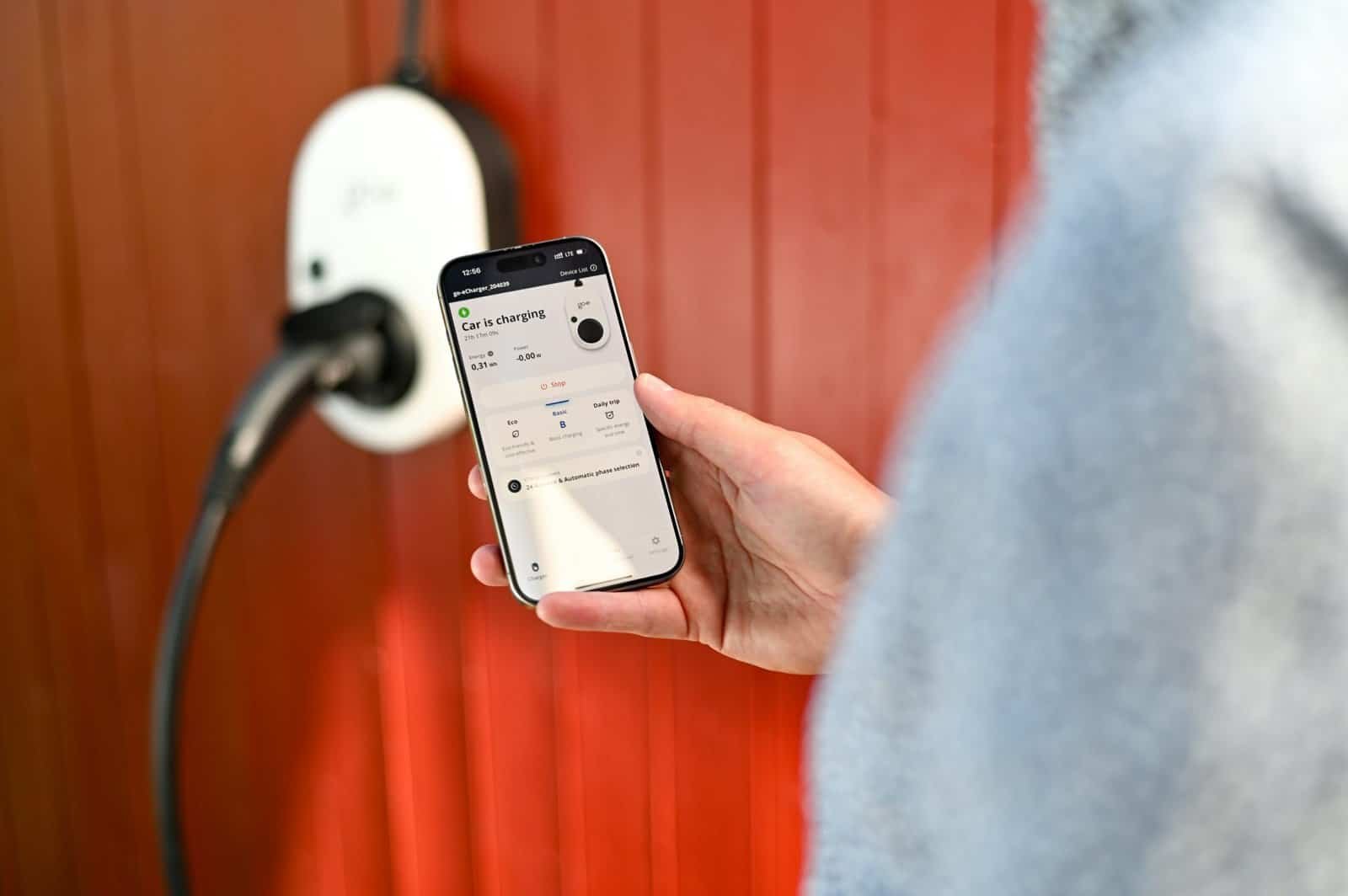
How They Work: These locks connect to your phone via Bluetooth or Wi-Fi. You control them through a dedicated app—unlocking with a tap, setting up automations, or checking status remotely.
Two Main Types:
| Type | How It Works | Best For |
|---|---|---|
| Bluetooth Smart Lock | Unlocks when your phone is nearby (auto-unlock) | Hands-free entry, family members with phones |
| Wi-Fi Smart Lock | Control from anywhere via internet | Remote access, Airbnb hosts, frequent travelers |
Pros:
- Remote access: Lock/unlock from work or vacation
- Activity logs: See who came and went and when
- Auto-unlock: Door opens as you approach (no hands needed)
- Guest access: Send virtual keys via app
Cons:
- Phone battery dependent: If your phone dies, you may need backup
- Wi-Fi locks drain batteries faster (plan for more frequent changes)
- Setup can be more technical than keypad locks
3. Biometric Locks (Fingerprint/Facial Recognition)
How They Work: You scan your fingerprint or face, and the lock recognizes you and opens. These use the same technology as modern smartphones.
Best For:
- Tech enthusiasts wanting cutting-edge convenience
- Homes where carrying anything (keys, phone, fob) is inconvenient
- Maximum security (fingerprints are hard to duplicate)
Pros:
- Extremely convenient: You are the key—nothing to carry or remember
- Fast access: Usually unlocks in under a second
- Hard to bypass: Fingerprints are unique
Cons:
- Highest cost: Significantly more expensive than other types
- Sensor issues: May not work well with wet, dirty, or very dry fingers
- Power dependent: If battery dies, you need backup (some have key overrides)
4. RFID Key Fob Locks
How They Work: You tap or wave a small key fob (or card) near a sensor on the lock to unlock.
Best For:
- Multi-family buildings or offices
- Children who might lose keys but can keep a fob on a backpack
- Simple, physical access control without codes or phones
Pros:
- Very fast: Tap and go
- Durable: Fobs are tough and waterproof
- Easy to manage: Deactivate lost fobs instantly
Cons:
- Can be lost or misplaced just like keys
- Requires carrying a physical item (the fob)
- Less flexible than app-based systems for remote management
5. Retrofit Smart Locks (For Renters)
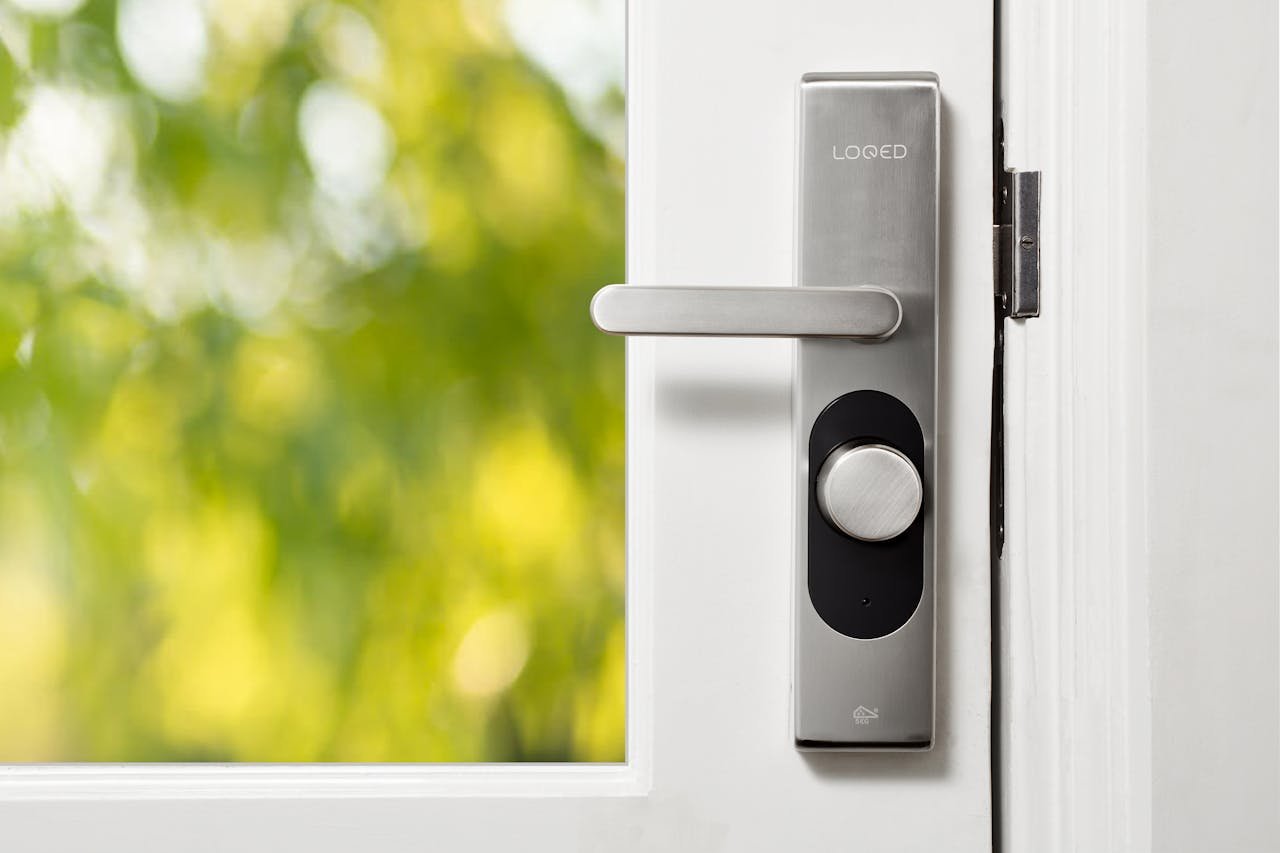
How They Work: These devices fit over your existing deadbolt on the inside of your door. They don’t replace the entire lock, so you keep your original keys for the outside.
Best For:
- Renters who can’t change the actual lock
- Anyone wanting smart features without a full installation
- Temporary setups or testing smart locks before committing
Pros:
- No permanent change: Revert anytime
- Easy installation: Usually just attaches with adhesive or screws
- Works with existing keys: Landlord/roommates keep access
Cons:
- Bulkier: Adds size to the inside of your door
- Fewer features: Usually basic remote/app control only
- Less sleek design than full replacements
Decision Flowchart: Which Keyless Entry Is Right for You?
<a name=”decision-flowchart”></a>
text
START HERE
    |
    v
Are you a renter? -----> YES --> Retrofit smart lock (no permanent changes)
    |
    NO
    |
    v
Do you want the highest security and fastest access? -----> YES --> Biometric lock
    |
    NO
    |
    v
Do you need to control access remotely (from work/vacation)? -----> YES --> Wi-Fi smart lock
    |
    NO
    |
    v
Do you want hands-free entry without touching anything? -----> YES --> Bluetooth auto-unlock lock
    |
    NO
    |
    v
Is simple, reliable sharing with family/guests your priority? -----> YES --> Keypad lock
    |
    NO
    |
    v
Consider RFID fob lock for simple, fast physical access
How Keyless Entry Works With Your Smart Home
The real magic happens when your smart lock talks to other devices. Here are three powerful automations:
Welcome Home Scene
When your lock detects your unique code or phone, it can trigger:
- Interior lights to turn on
- Thermostat to adjust to your preferred temperature
- “Welcome home” announcement on your smart speaker
Away Mode
When the last person leaves and locks the door:
- All lights turn off automatically
- Thermostat switches to energy-saving mode
- Security cameras arm themselves
- You receive a confirmation notification
Guest Access Automation
Create a temporary code for a house sitter that:
- Only works during specific dates
- Sends you an alert when they arrive and leave
- Automatically expires after their stay
Learn how to create more smart home routines with your locks and other devices.
Security and Safety Considerations
Not all keyless systems offer the same level of protection. Here’s what to look for:
| Feature | Why It Matters |
|---|---|
| ANSI/BHMA Grade | Look for Grade 1 (best) or Grade 2. Grade 3 is basic residential. |
| Encryption | Ensure it uses 128-bit or 256-bit encryption (industry standard). |
| Two-Factor Auth | Some apps offer optional 2FA for extra account security. |
| Low Battery Alert | Essential—you need warning before the lock stops working. |
| Physical Key Override | Many locks include a traditional key as backup (useful but creates a vulnerability if lost). |
| Tamper Alarm | Some locks sound an alert if someone tries to physically force or remove them. |
Privacy Considerations
Smart locks collect data about when you come and go. Before buying:
- Check the manufacturer’s privacy policy
- Understand where access logs are stored (cloud vs. local)
- See if data is shared with third parties
What to Consider Before Buying
Ask yourself these five questions:
1. Compatibility
Will this lock work with your existing smart home system?
- Apple HomeKit, Google Home, or Amazon Alexa?
- Does it require a separate hub?
2. Connectivity
| Need | Choose |
|---|---|
| Control from anywhere | Wi-Fi lock |
| Auto-unlock when near | Bluetooth lock |
| Works without internet | Bluetooth or keypad |
3. Power Source
Most smart locks run on AA batteries. Check:
- Expected battery life (3-12 months typical)
- Low battery alerts
- Emergency power option (9V battery terminals on some models)
4. Installation
- Full replacement: Takes 15-30 minutes with a screwdriver
- Retrofit: 5-10 minutes, no tools usually
- Professional install: Rarely needed but available
5. Budget
| Type | Typical Price Range |
|---|---|
| Basic Keypad | $50 – $100 |
| Bluetooth Smart Lock | $100 – $200 |
| Wi-Fi Smart Lock | $150 – $250 |
| Biometric Lock | $200 – $350+ |
| Retrofit Device | $70 – $150 |
Your Keyless Entry Starter Checklist
Before purchasing, complete this:
text
☐ Which lock type matches my lifestyle? (Use flowchart above)
☐ Does it work with my smart home ecosystem (Apple/Google/Alexa)?
☐ Have I measured my door thickness and backset? (Standard sizes vary)
☐ Do I need remote access or is local control enough?
☐ Have I read recent reviews about battery life and app reliability?
☐ Is there a physical key override, and do I want one?
Common Mistakes to Avoid
1. Buying Without Checking Door Compatibility
Measure your door thickness and the distance from the edge to the center of the hole (backset). Most locks fit standard sizes, but always check.
2. Ignoring Battery Warnings
A dead battery means a locked door. Choose locks with clear low-battery alerts and consider keeping spare batteries nearby.
3. Forgetting About Other Users
If family members don’t carry smartphones, a Bluetooth-only lock won’t work for them. Consider mixed systems (keypad + app).
4. Overlooking Guest Access
If you host often, look for locks that make temporary codes easy to set and expire automatically.
5. Skipping the Manual
Read the instructions—especially about resetting the lock and backup access methods.
Final Thought
Keyless entry transforms one of the most basic daily actions—opening your door—from a friction point into a seamless, even delightful moment. Whether you never want to fumble for keys again, need to manage access for guests, or just love the idea of your home greeting you as you arrive, there’s a smart lock designed for your life.
Start with one door—your most-used entry. Master that. Then decide if you want to expand to others.
Explore more Buying Guides for your smart home journey.
Ready for the Next Step?
- Learn how to integrate your smart lock with other devices in our Beginner’s Guide to Smart Homes
- Explore smart home hubs to control everything from one place
- Check out our Ultimate Smart Home Guide for a complete overview
Affiliate Disclosure
Some links on this page are affiliate links. If you purchase through these links, we may earn a small commission at no extra cost to you. This helps support our website and allows us to continue providing valuable content. Thank you for your support!
Learn more about our affiliate policy