
The concept of the “Smart Home” has evolved from a futuristic fantasy into an attainable reality. Yet, for newcomers, the sheer volume of devices, platforms, and technical jargon can feel paralyzing. Should you start with a smart speaker? A light bulb? A thermostat? And how do you ensure they all work together seamlessly?
This guide cuts through the noise. We will break down the essentials, explain the technology in simple terms, and help you plan a smart home setup that fits your lifestyle—without overspending.
What Is a Smart Home Ecosystem?
Before buying a single device, you must choose your “ecosystem.” Think of this as the language your home speaks—the central platform that connects your devices and allows them to work in harmony.
There are three dominant players in the market today:
1. Amazon Alexa
- Best For: Users who want extensive compatibility and voice control.
- The Hardware: Amazon Echo devices (like the Echo Dot or Echo Show) act as the central hub.
- Why Choose It: Alexa boasts the largest library of compatible devices. It excels at “Routines” (e.g., saying “Alexa, Good Night” to lock doors and dim lights simultaneously).
2. Google Home (Google Assistant)
- Best For: Android users and those invested in Google services.
- The Hardware: Google Nest speakers and Nest Hub displays.
- Why Choose It: Google Assistant is arguably the most conversational AI, answering contextual questions and integrating deeply with calendars, Gmail, and YouTube.
3. Apple HomeKit
- Best For: iPhone users who prioritize privacy and security.
- The Hardware: HomePod mini, iPad, or Apple TV serve as the hub.
- Why Choose It: Apple has strict security standards for HomeKit devices. The setup is incredibly user-friendly if you are already in the Apple ecosystem, utilizing the native home app and Siri.
Pro Tip: Stick to one primary ecosystem when starting out. While mixing platforms is possible, it often adds unnecessary complexity.
Understanding Protocols: Wi-Fi, Zigbee, and Z-Wave
Devices need a way to “talk” to each other. Understanding the connection method is key to a stable home.
1. Wi-Fi
- How it works: Devices connect directly to your home router.
- Pros: No extra hub required; easy setup.
- Cons: Too many devices can clog your Wi-Fi network, causing slowdowns.
- Best Devices: Cameras, smart speakers, and plugs.
2. Zigbee & Z-Wave
- How it works: These are low-energy wireless protocols that create a “mesh network.” They require a central hub to bridge them to your Wi-Fi.
- Pros: Extremely reliable, long battery life, and doesn’t slow down your internet.
- Best Devices: Smart sensors, smart locks, and Philips Hue lighting.
Recommendation: Beginners often start with Wi-Fi devices for simplicity. As your system grows, investing in a hub-based system (Zigbee/Z-Wave) is the logical next step for stability.
Why You Should Start with One Room
The biggest mistake beginners make is trying to automate their entire house overnight. This often leads to frustration and a jumble of incompatible apps.
The “One Room” Strategy: Focus your initial setup on the room where you spend the most time—usually the Living Room or Bedroom. This allows you to learn the nuances of automation on a small scale before expanding.
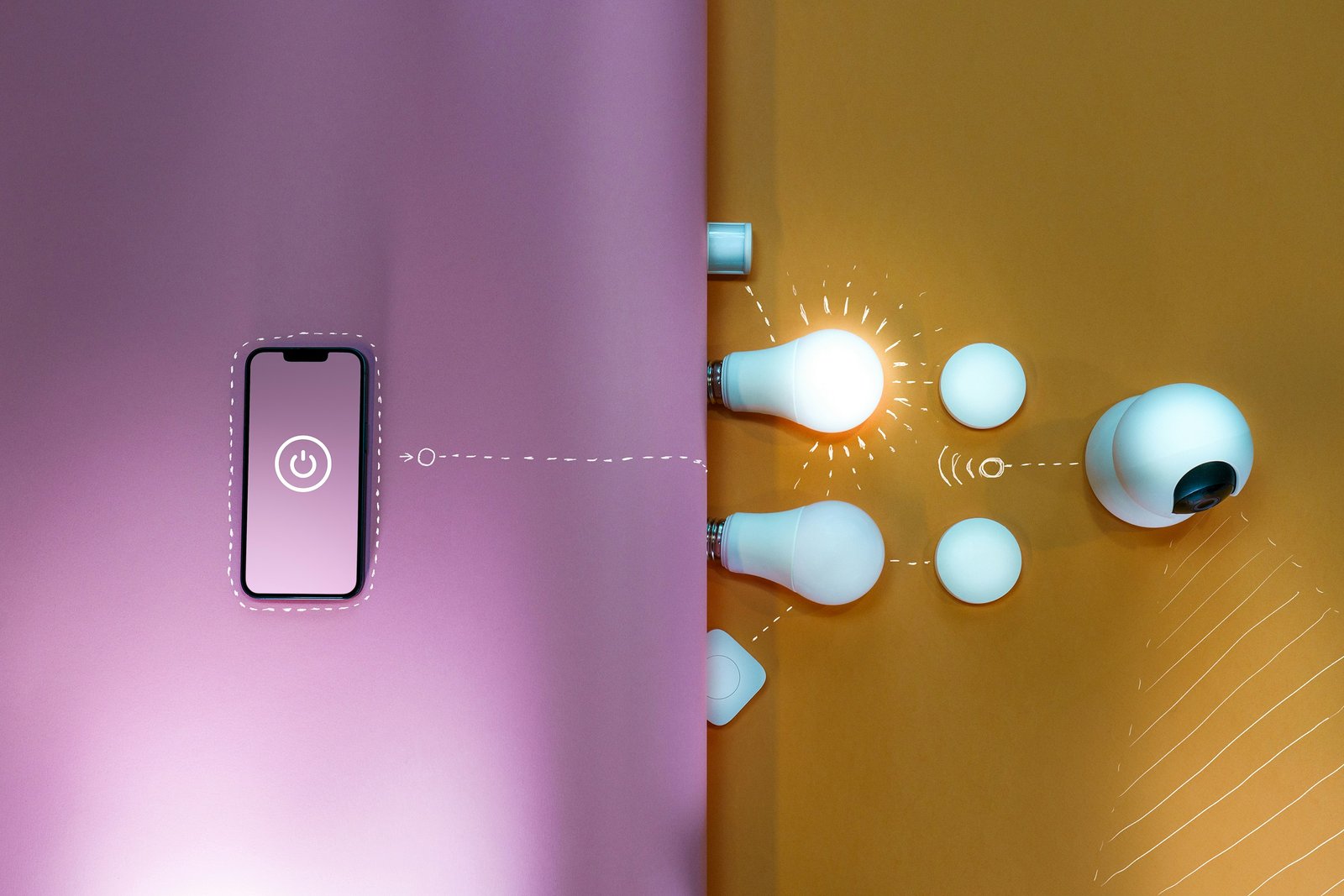
A Step-by-Step Plan for Your First Setup
Ready to begin? Follow this roadmap to avoid “tech overload.”
Step 1: Define Your Goals Ask yourself what you want to achieve. Is it convenience (voice commands), security (cameras), or ambiance (smart lighting)? Your answer will dictate your first purchase.
Step 2: Choose Your Hub Buy your central “brain” first.
- Alexa Users: Amazon Echo Dot (4th Gen or later).
- Google Users: Google Nest Audio or Nest Mini.
- Apple Users: HomePod mini.
Step 3: Add Lighting Smart lighting is the most immediate and satisfying upgrade. Start with a single smart bulb or a smart plug connected to a standard lamp. It sets the mood instantly.
Step 4: Expand Gradually Once your first room runs smoothly, look to the next. Perhaps a smart thermostat for the hallway or a security camera for the front door.
Common Mistakes to Avoid
- Ignoring Compatibility: Always check the box (or product description) to ensure the device works with your chosen ecosystem (Works with Alexa / Hey Google / HomeKit Ready).
- Neglecting Wi-Fi: Smart homes rely on the internet. If you have a large home, consider upgrading to a Mesh Wi-Fi system to ensure coverage in every corner.
- Forgetting Security: Always change default passwords on your devices and enable Two-Factor Authentication (2FA) on your smart home apps.
Conclusion
Building a smart home is a journey, not a race. By starting with a solid ecosystem and focusing on one room, you lay the groundwork for a home that is not just connected, but truly intelligent.
Start small, stay consistent with your chosen platform, and enjoy the seamless convenience of modern living.